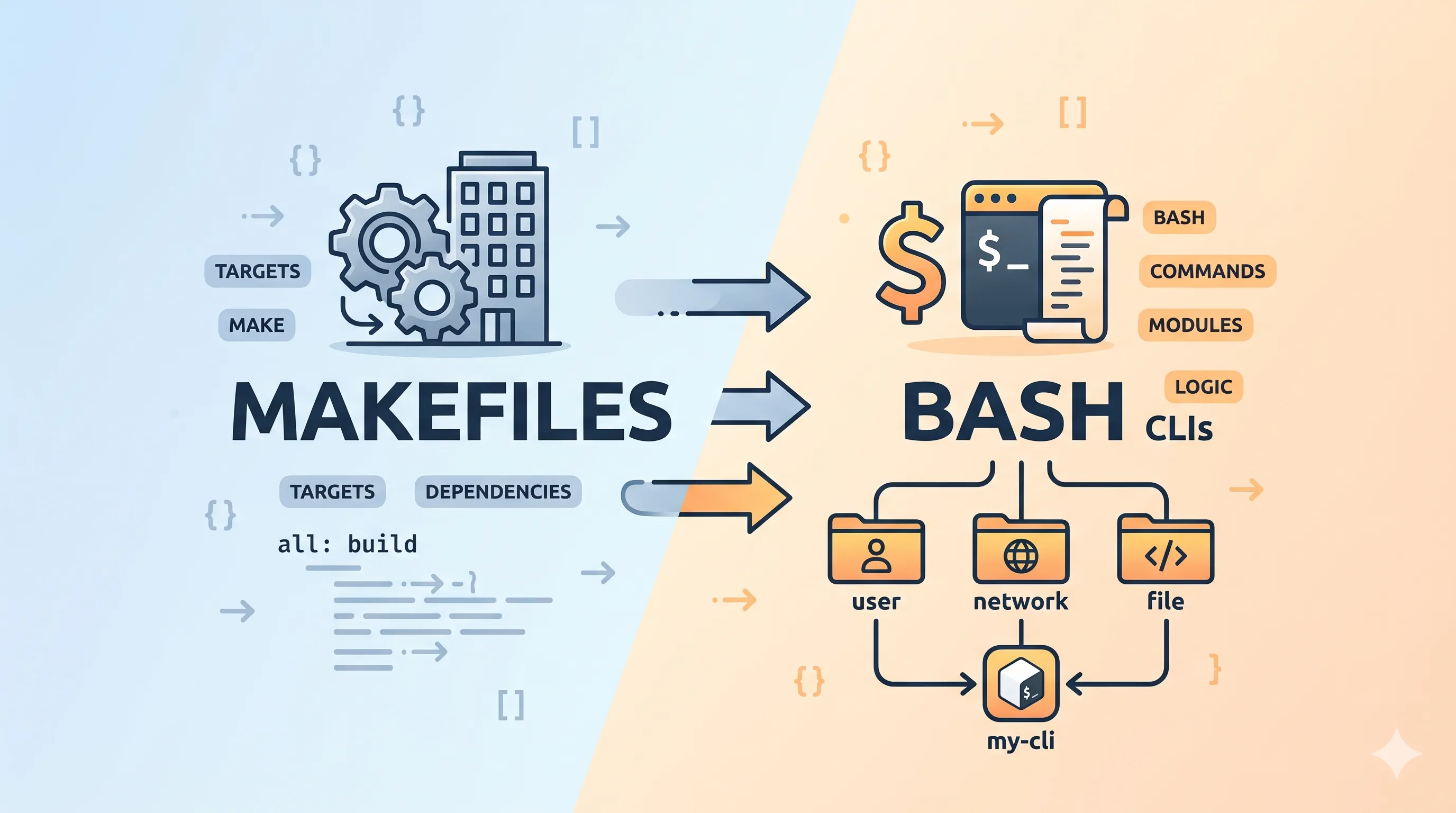
Writing a CLI with bash
Ok ok, i’ll give an explanation; at work i’ve builded (and i’n now mantaining) a CLI tool that is used as a main interface for the operations on our server-side services.
Well, this CLI is entirely written in bash, this decision was made because the native shell is the most common environment for our users, and we wanted to avoid any additional dependencies.
bash is a beautiful language, it has a lot of features and it’s very powerful, but it can be a bit tricky to manage when the project grows, especially if you want to keep your code organized and maintainable. It doesn’t have the same structure and organization capabilities as other programming languages, but with a bit of creativity and some time I rewrited the CLI as modular as possible, splitting the code into multiple files and using functions to keep everything organized.
A bit more in the details
The CLI i work on recently arrived at around 3000 lines of code, a nightmare to manage in a single file, so I decided to split it into multiple files, each one with a specific purpose. Following the principle of separation of concerns, I created different files to manage different macro areas of the CLI. I leveraged the naming convention used in some great project i saw on GitHub to keep everything organized and easy to understand, for example:
├── 000-header.sh
├── 010-ui.sh
├── 020-helpers.sh
├── 100-feature-A.sh
├── 200-feature-B.sh
├── 210-expansion-B1.sh
├── 300-feature-C.sh
└── 999-main.sh
That is a very simplified example, but it gives you an idea of how I organized the files. The 000-header.sh file contains all the necessary imports and initializations, while the 999-main.sh file contains the main logic of the CLI, and the other files are organized by features or functionalities.
Using this kind of naming convention, i can easily reconstruct a complete single file with all the logic in the right order, just by concatenating each individual file.
Building and maintaining the CLI
Now, you may be wondering how I manage to build the CLI from all these separate files, well, I have a simple Makefile that takes care of that for me. The Makefile has a target that concatenates all the individual files in the correct order and creates a single executable file that can be used as the CLI.
SCRIPTS_FOLDER := ./scripts
BUNDLE_SCRIPT := $(SCRIPTS_FOLDER)/bundle.sh

.PHONY: bundle

bundle:
 @printf "${GREEN}Bundling CLI...${NC}\n"
 ./$(BUNDLE_SCRIPT)
 @printf "${GREEN}Bundle completed successfully!${NC}\n"
bundle.sh is a stupid simple script that concatenates all the files in the right order and creates the final executable file, it looks something like this:
#!/bin/bash

set -euo pipefail

SCRIPT_DIR="$(cd "$(dirname "${BASH_SOURCE[0]}")" && pwd)"
REPO_ROOT="$(cd "${SCRIPT_DIR}/.." && pwd)"

SRC_DIR="${REPO_ROOT}/cli/src"
OUT="${REPO_ROOT}/cli/cli.sh"

if [[ ! -d "${SRC_DIR}" ]]; then
  echo "Source directory ${SRC_DIR} does not exist."
  exit 1
fi

cat "${SRC_DIR}"/*.sh >"${OUT}"
chmod +x "${OUT}"

bash -n "${OUT}"
Why don’t switch to another language?
Fair question to be honest, more than once i considered switching to another language (like Go), but there is something about bash that i really like, it’s simple, it’s powerful and it’s the native shell for our users, so it just makes sense to use it for our CLI. Plus, with the right organization and structure, you can manage a large bash project without too much trouble.
It’s important to remember that bash “natively” can interact with all sort of cli and libraries, so it’s really easy to write integrations or function that leverages other tools, without having to worry about dependencies or compatibility issues. It’s a great choice for a CLI tool that needs to be used in a variety of environments and by a wide range of users.
Conclusion(?)
At the moment, with this new stratagem, i think the CLI is in a pretty good shape, it’s organized, maintainable and easy to understand, and it allows us to quickly add new features and functionalities without having to worry about the structure of the code. Of course, there are always improvements that can be made, but for now, I’m pretty happy with how it’s turned out.
So it’s possible to write really big and complex CLI tools using only bash, the key (that i learned the hard way) is to keep everything as modular and organized as possible (from the start!), and to use the right tools (like Makefile) to manage the build process.
